work@ilo2
WORK ACROSS GOOGLE ACCOUNTS
Every task, plan, and project. One clear place.
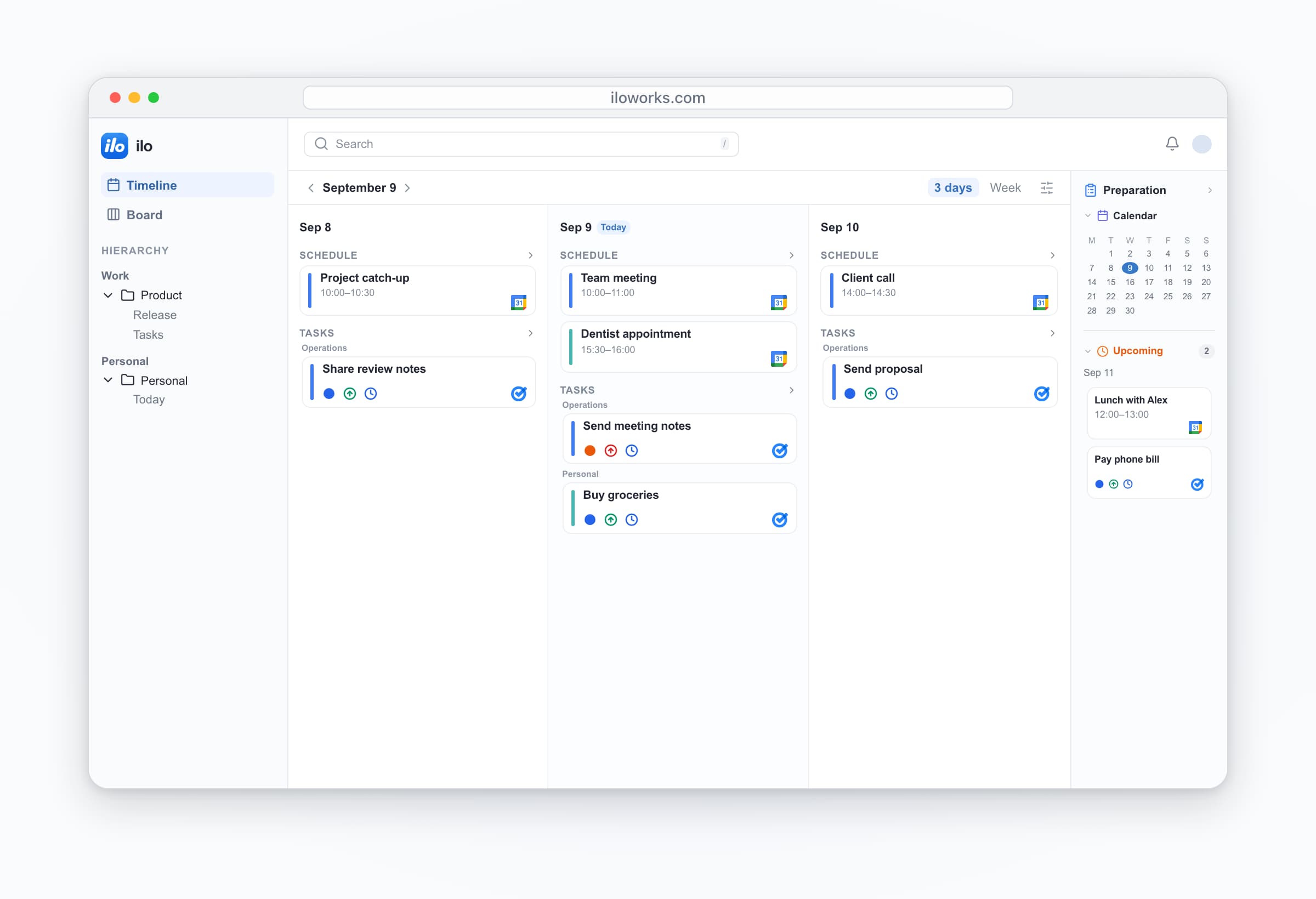
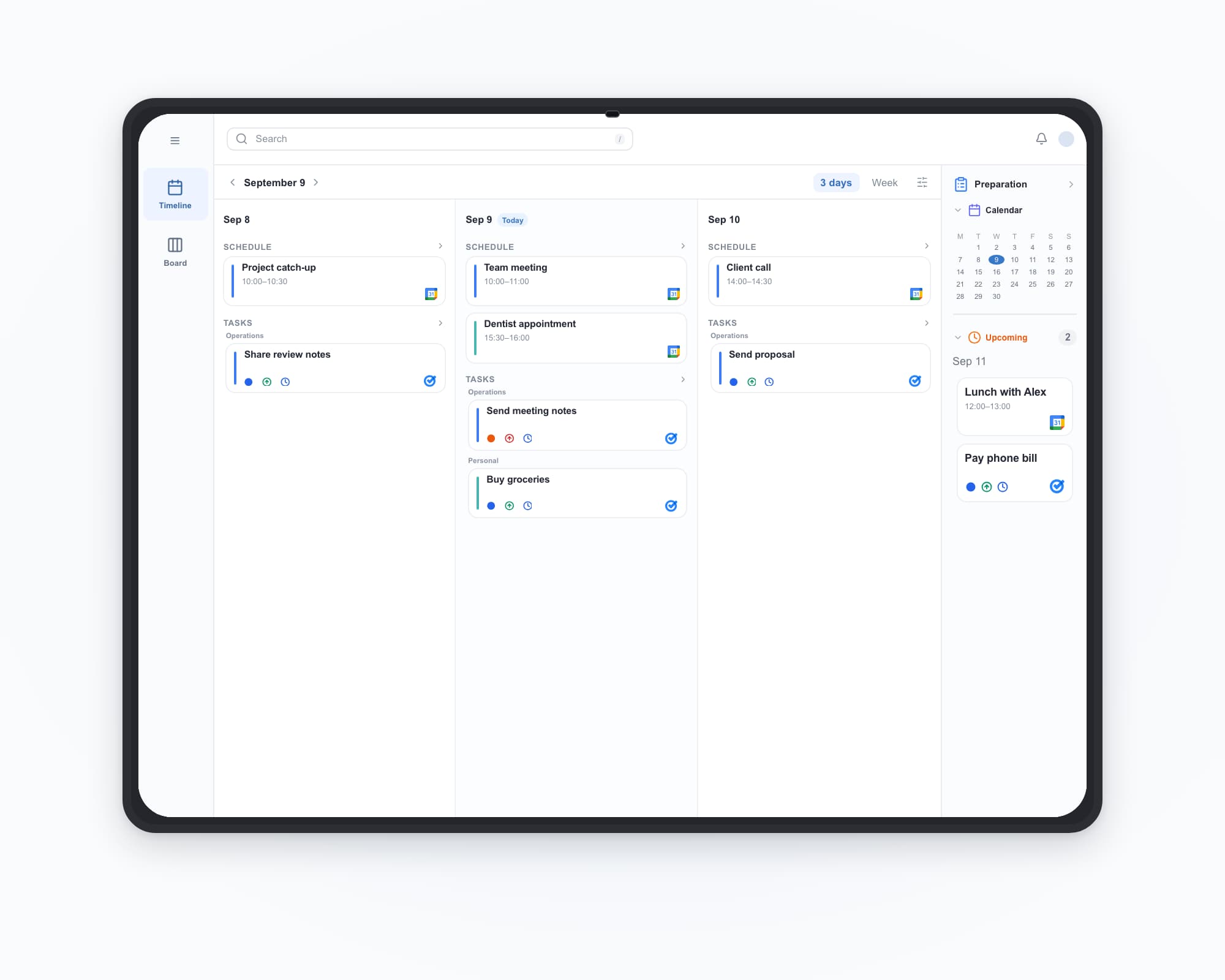
See all the Google accounts you use in one clear view. Manage tasks, schedules, and related work in the same flow—so the next step is always clear.
Available on iPhone, iPad, and Android.

 Coming soon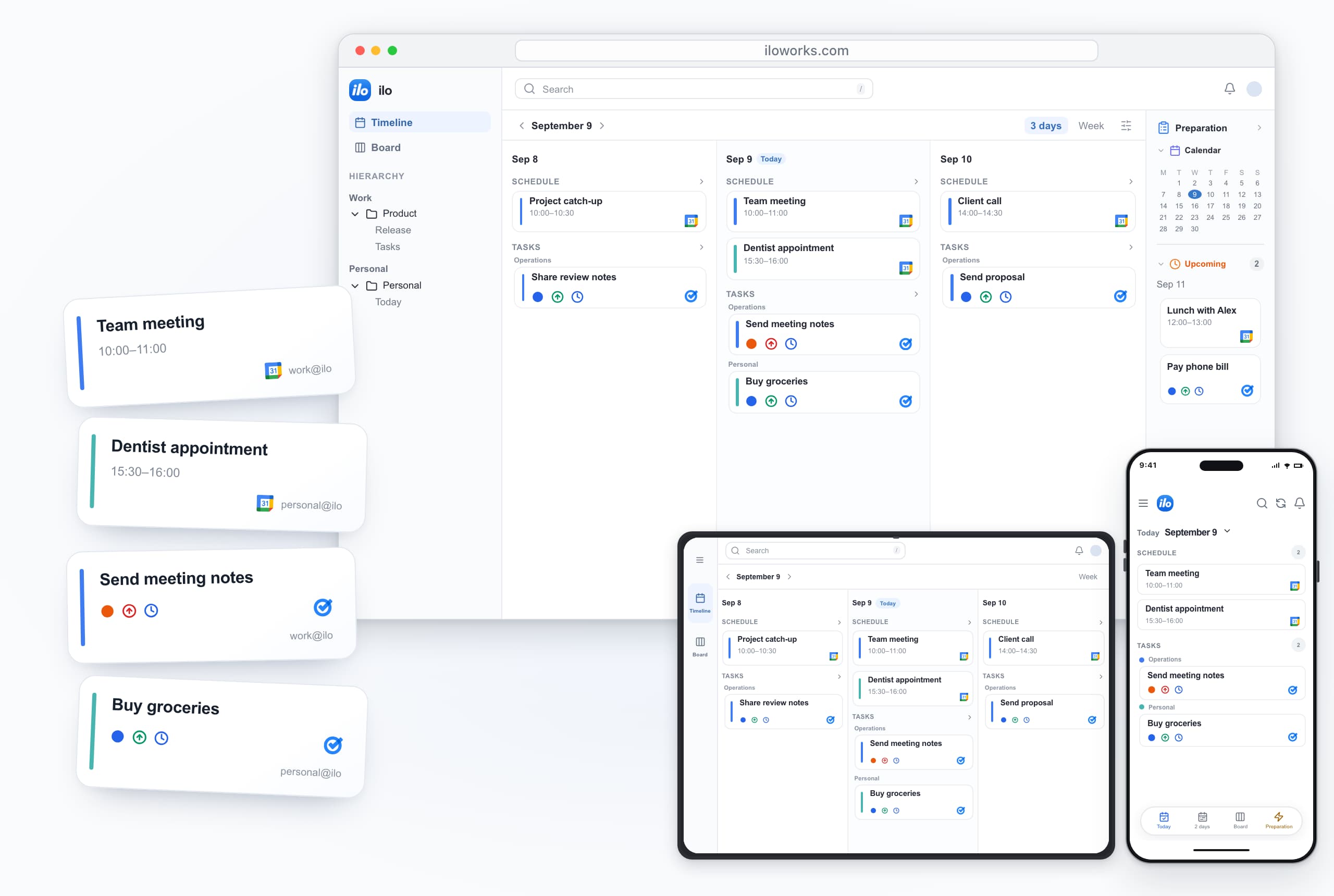
MULTIPLE ACCOUNTS
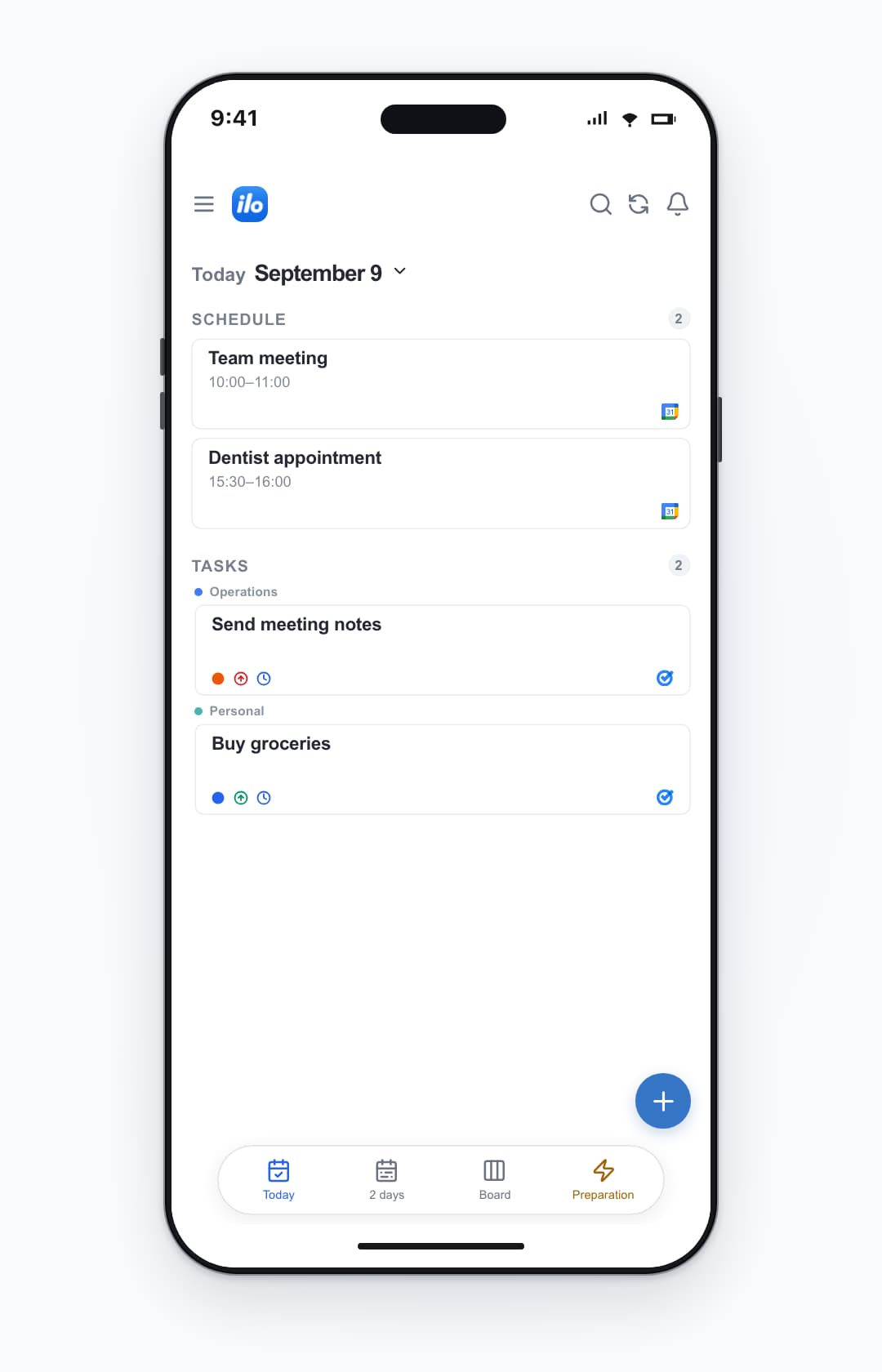
Different accounts. One clear day.
Bring personal and work plans together without losing the context behind each one.
personal@ilo2
Schedule
Team meetingSep 9 · 10:00–11:00
work@ilo
Dentist appointmentSep 9 · 15:30–16:00
personal@ilo
Tasks
Send meeting notesSep 9 · In progress · High
work@ilo
Buy groceriesSep 9 · To do · Medium
personal@ilo
CONNECTED WORK
Plans, events, and tasks stay connected.
A meeting, its preparation, and the follow-up work stay together in the same view.
AI CAPTURE
Your words. A task or an event.
Describe what you need. ilo recognizes whether it’s a task or an event and creates the right draft.
Schedule a 45-minute review of the Q3 operating plan with the product team next Tuesday at 2 PM.
AI identifies an event and creates a draftPrepare the August operations-report draft with customer feedback and operating metrics by 5 PM Friday.
AI identifies a task and creates a draftTeam meetingSep 9 · 10:00–11:00
work@ilo
Send meeting notesSep 9 · In progress · High
work@ilo
INCOMING WORK · PILOT
Turn Google Workspace signals into clear next steps.
Review work from Gmail, Drive, Docs, Sheets, and Slides in one place. AI reads the context and suggests the right task or event, ready to manage with related work.
Available to approved pilot testers after sign-up.
Send meeting notesGmail
Review client proposalGoogle Drive
Check weekly metricsGoogle Sheets
Review meeting notesGoogle Docs
Testimonials
What users noticed first
Seeing multiple accounts in one place and pulling today’s tasks forward immediately cut down what I forgot.
I no longer open separate Google Tasks accounts just to start the day. That alone saved real time.
Custom grouping made project structure visible at a glance, which is something plain task lists never gave me.
Seeing today’s tasks next to my calendar made prioritizing work much easier than before.
Even with a lot of active tasks, the structure holds up. It still feels like Google Tasks, just far more usable.
Google Tasks not supporting multiple accounts had always been frustrating. This is exactly what I had been looking for.
I used to enter due dates without much thought, but now I can instantly see when my workload is heavy, so I manage my work much better.
BETA ACCESS
Start with ilo, free.
ilo is currently available to beta testers at no cost.
ilo
Start free — no card required
Start for freeGET IN TOUCH
Help shape what’s next.
Share an idea, ask a question, or tell us what could work better.
TAKE ILO WITH YOU
Your day, wherever you are.
On the web, iPhone, iPad, and Android.
Coming soon